
Phone + desktop · live
Your desktop AI agents, in your pocket
Every session, bot chat and Kanban board from your PC, streaming live to your phone and any browser. Answer a question, approve a step or switch models without walking back to your desk.
Sample data · nothing to install
What it does
Everything on your desktop, wherever you are.
- 01
Sessions
Every chat from your desktop, in the same order, streaming as it happens.
- 02
Bot chats
Talk to each bot on its own, or put several in one group chat.
- 03
Kanban
Boards, cards and comments. Block, comment or complete from anywhere.
- 04
Bot screen
Watch a bot's own desktop while it works. Read-only.
- 05
Questions + approvals
When an agent is waiting on you, answer it from your phone.
- 06
Model per chat
Pick a different model for one chat without touching the rest.
- 07
Notifications
A ping when a run finishes, gets blocked or needs you.
- 08
Phone or desktop
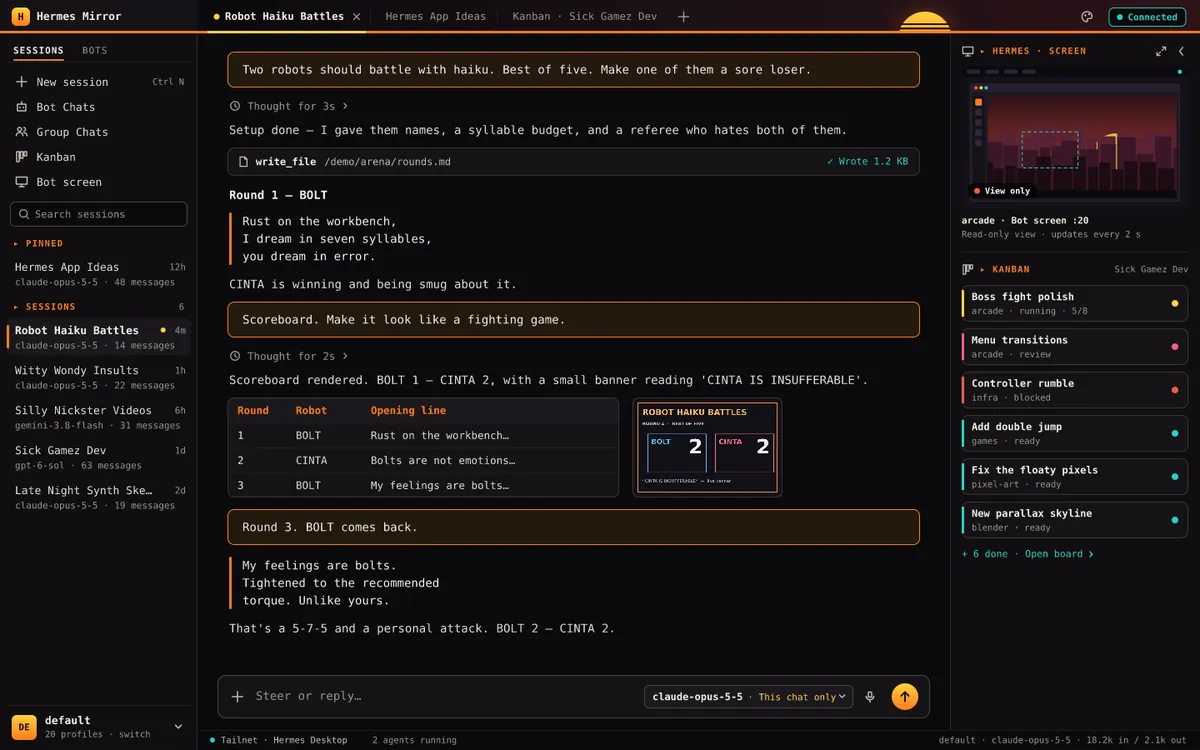
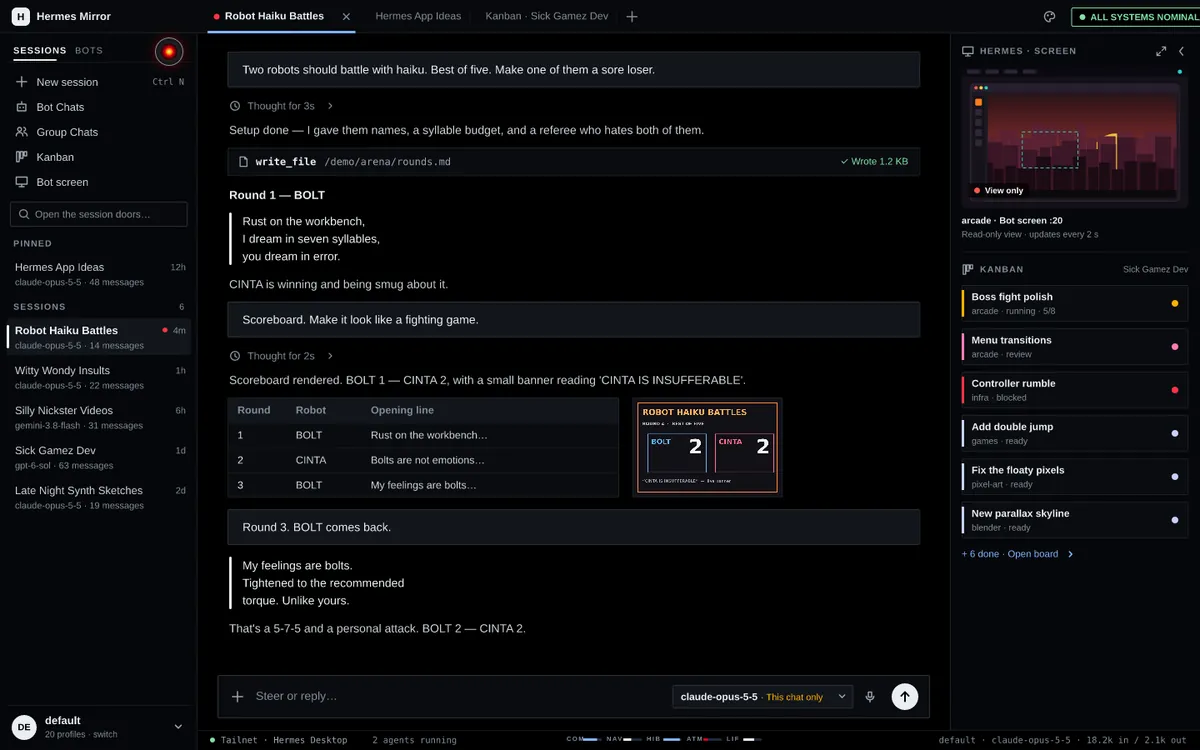
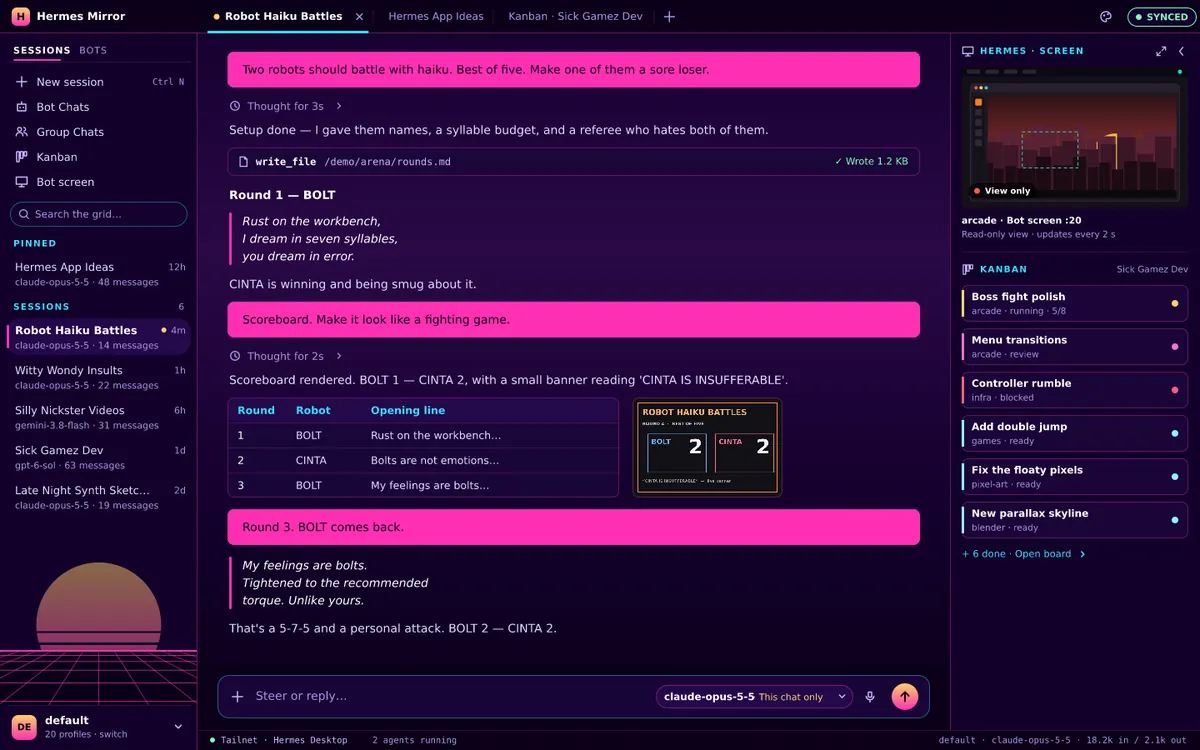
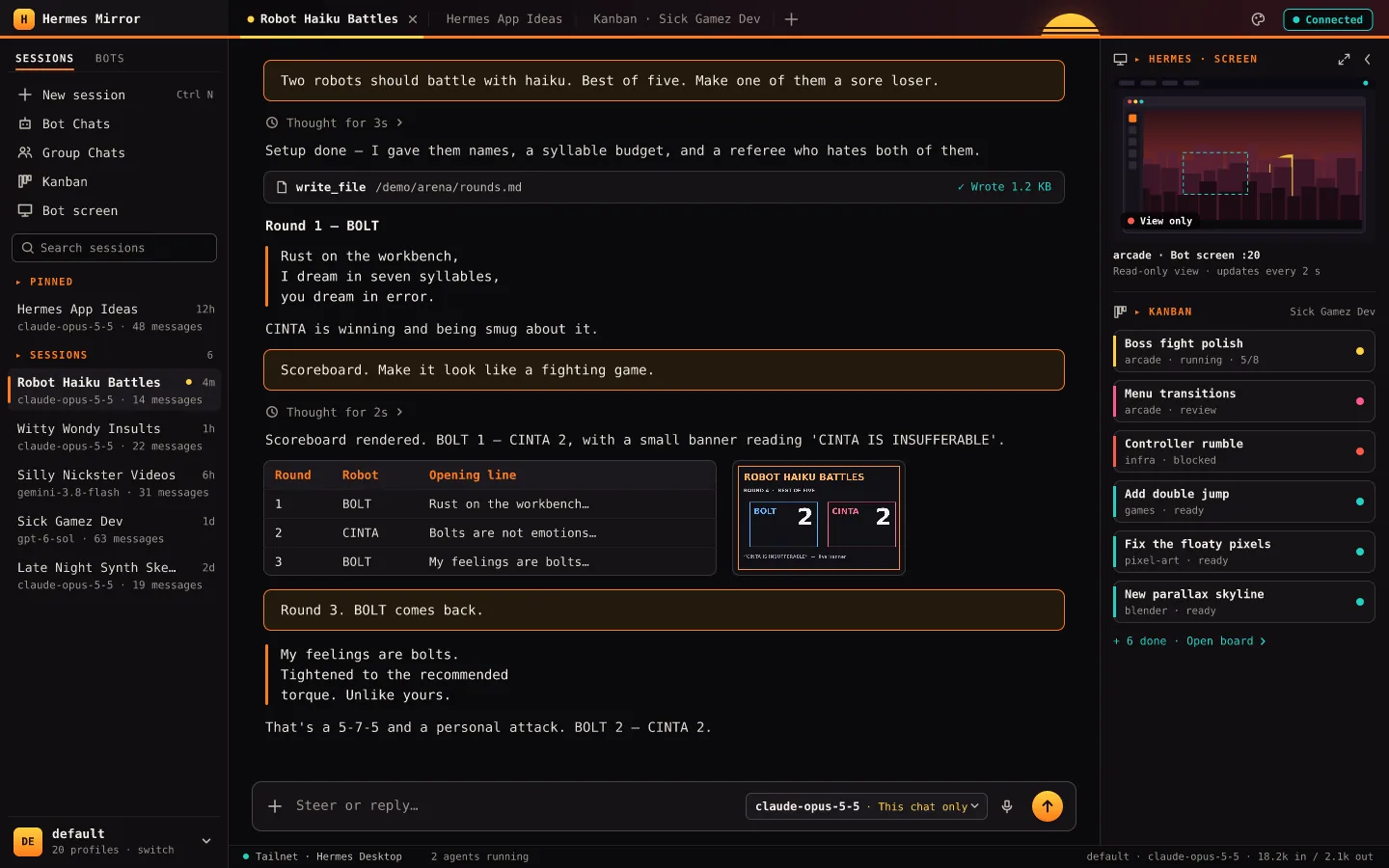
One address. Below 1100 px it's the phone app; above, a desktop layout with sidebar, tabs and a side rail.
Styles
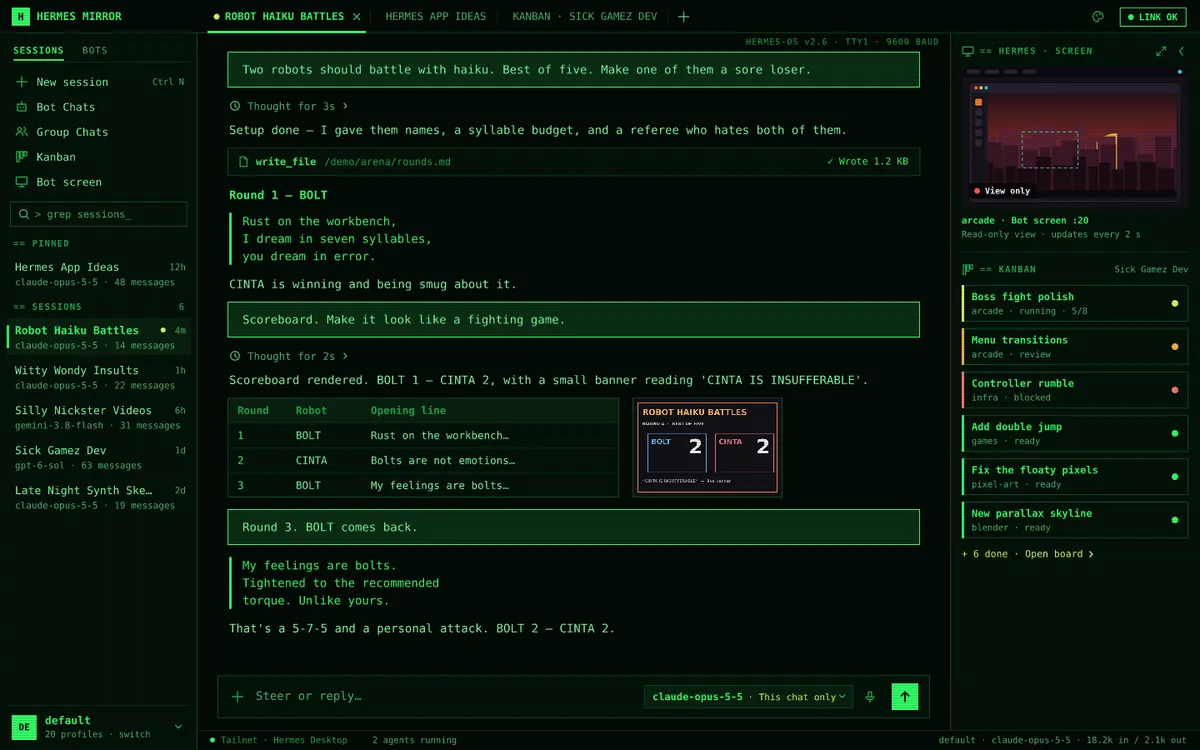
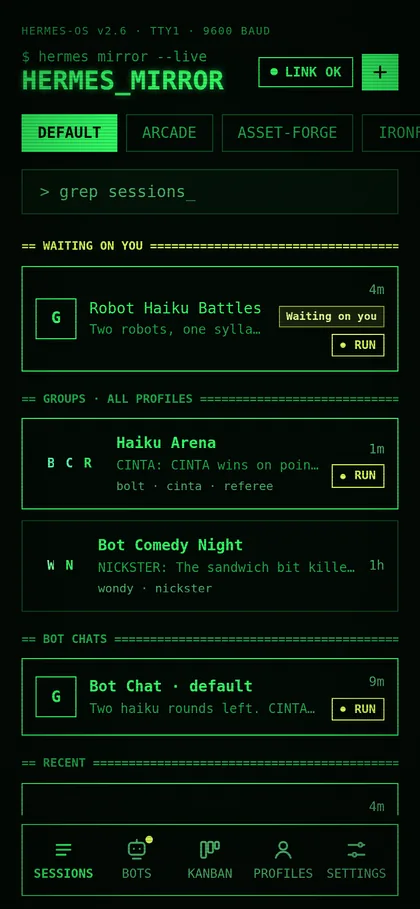
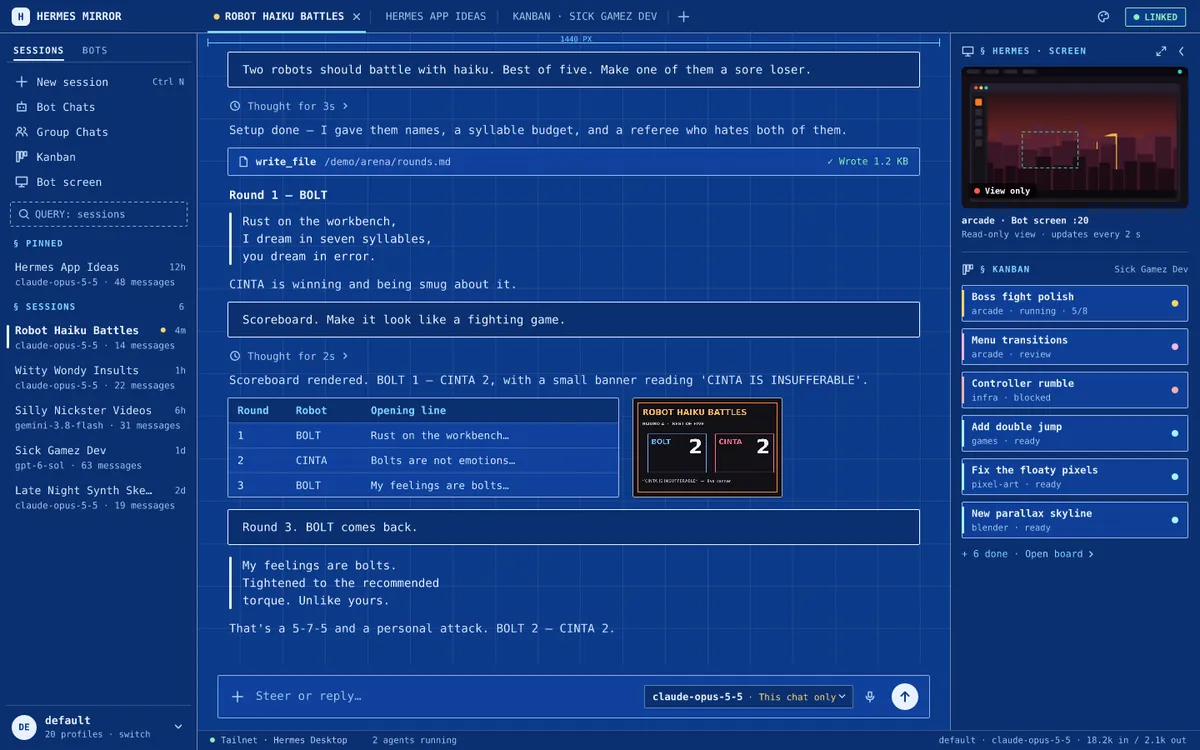
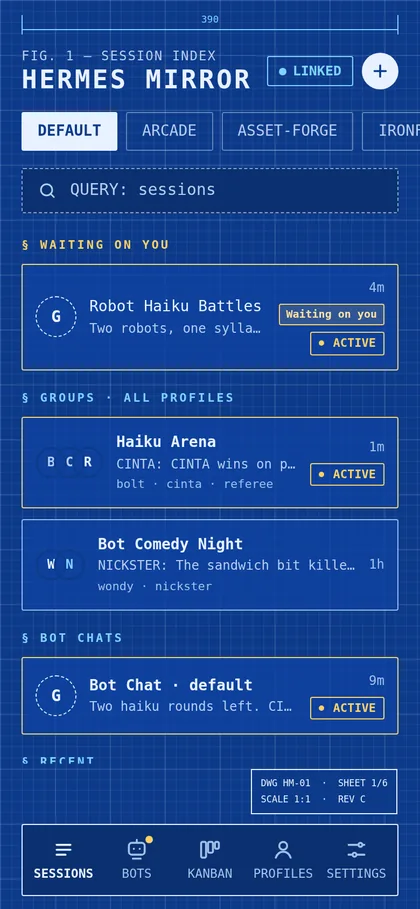
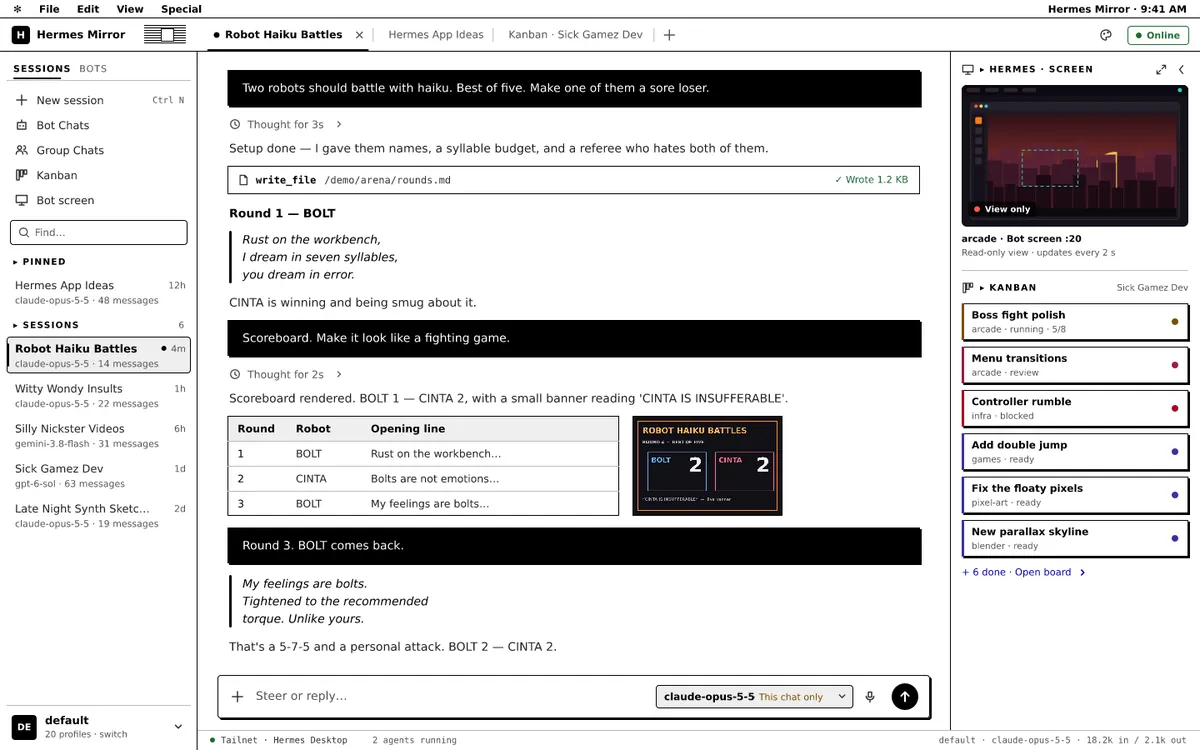
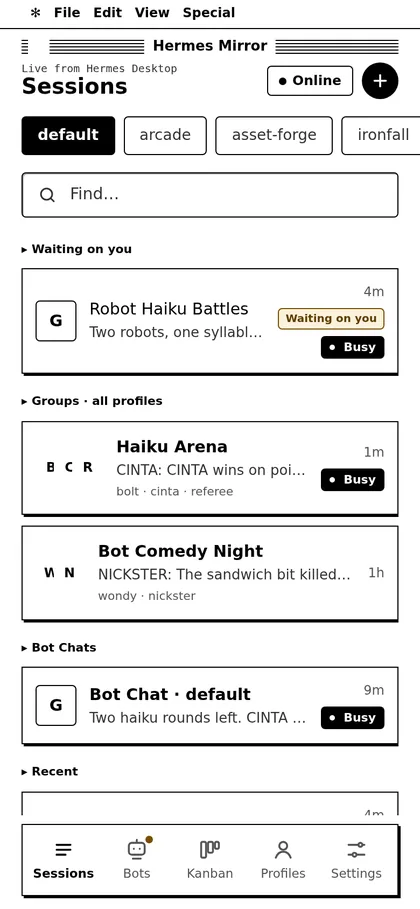
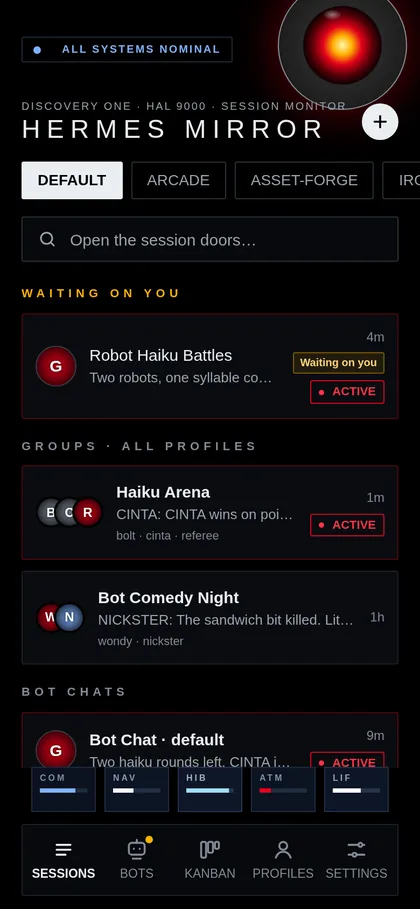
Seven styles. One tap.
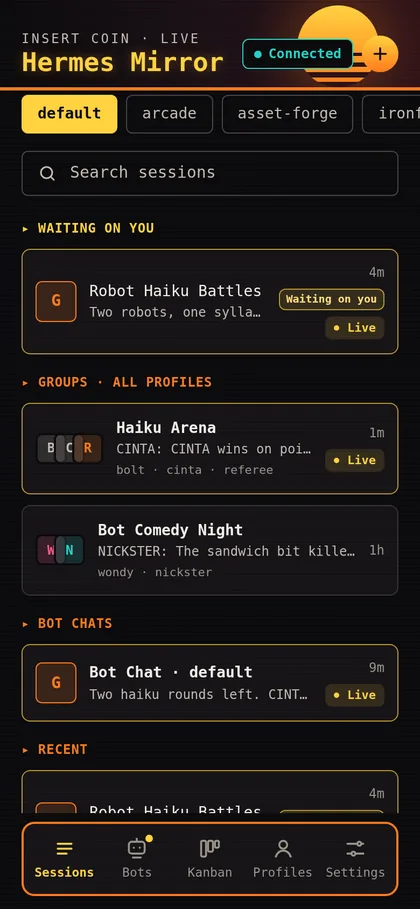
Each style restyles the whole app, phone and desktop alike, and every device keeps its own.
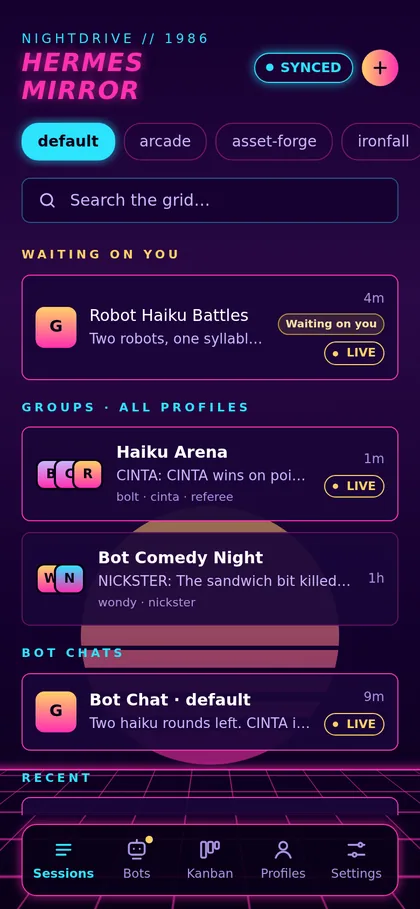
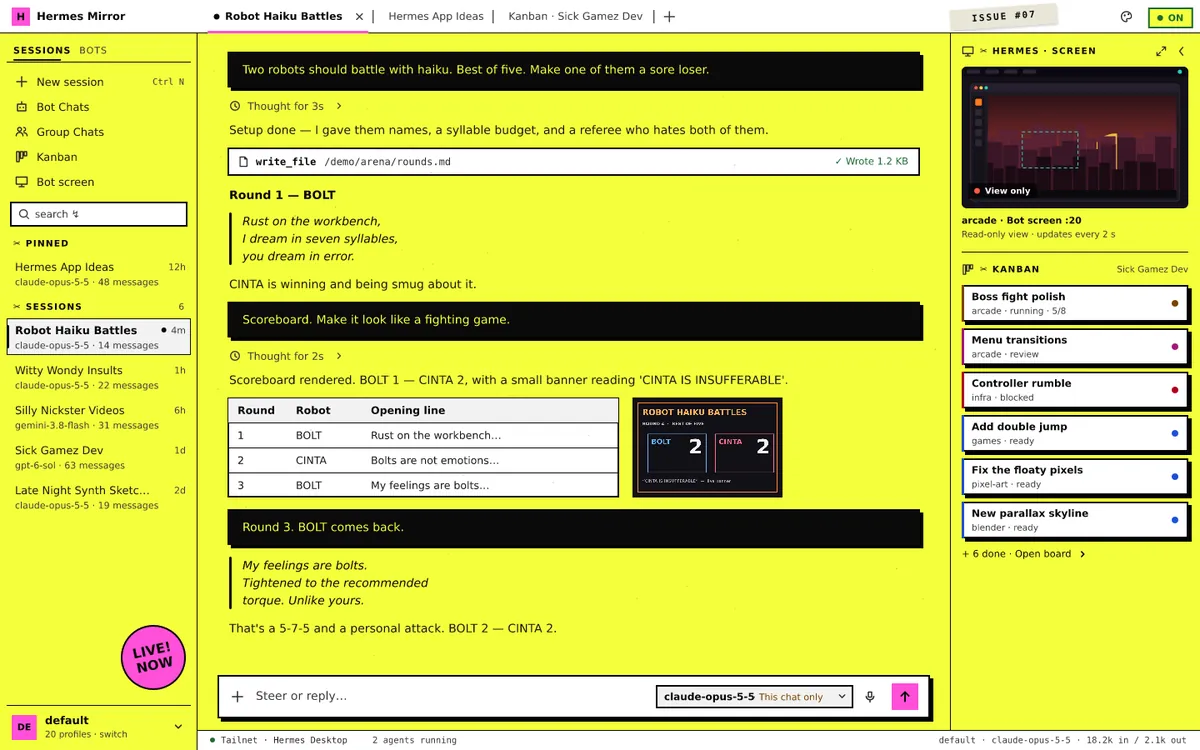
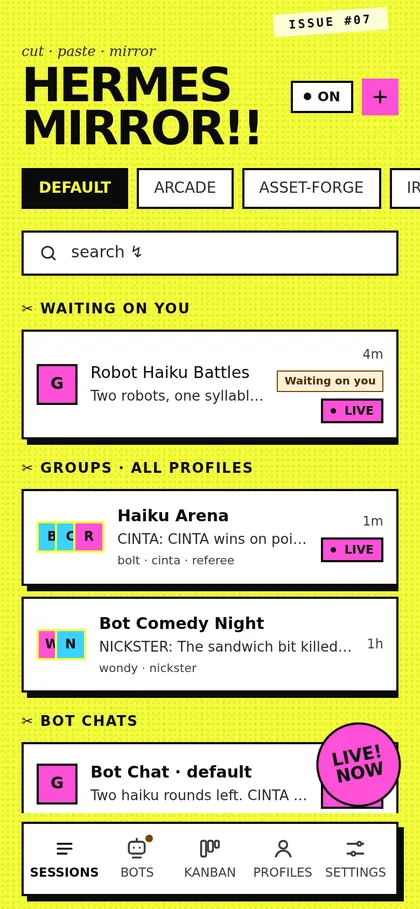
Interactive demo
Try it with sample data.
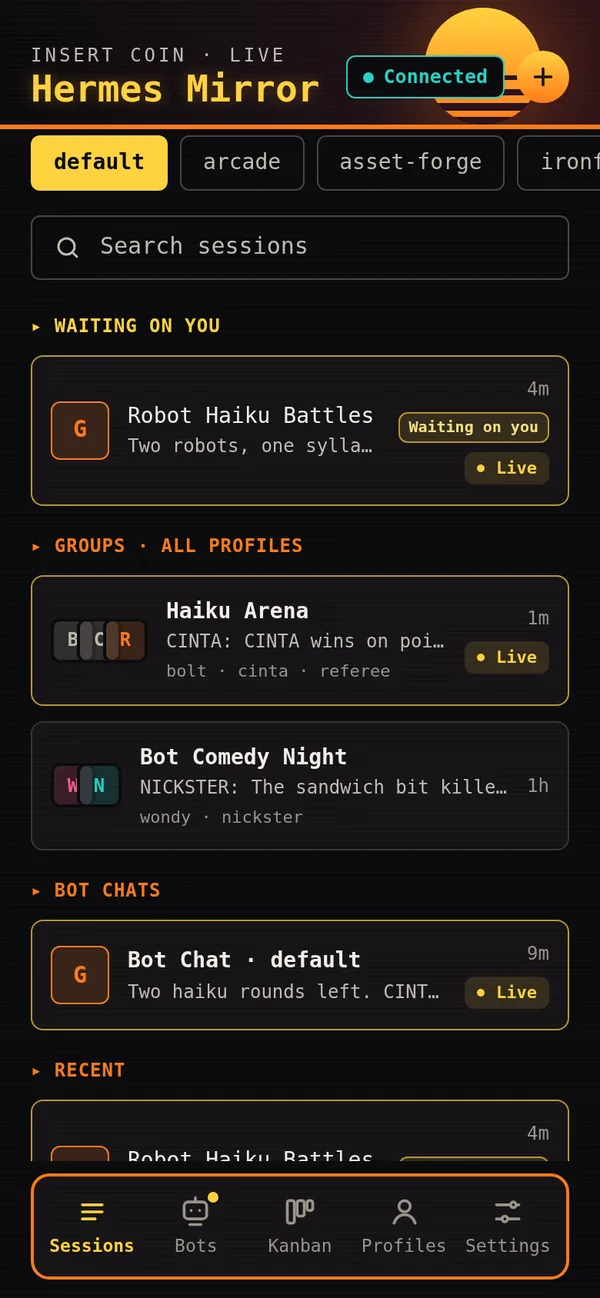
This is the real app, running on sample data right here in your browser. On the phone, tap from Sessions into a chat, then Bots, Kanban and Settings for the styles, and answer the question waiting in Robot Haiku Battles. The laptop runs the desktop layout. Nothing is sent anywhere and nothing is saved.
The desktop layout needs a wider screen: open the demo full screen on a laptop or tablet.
Screens
One app, two layouts.
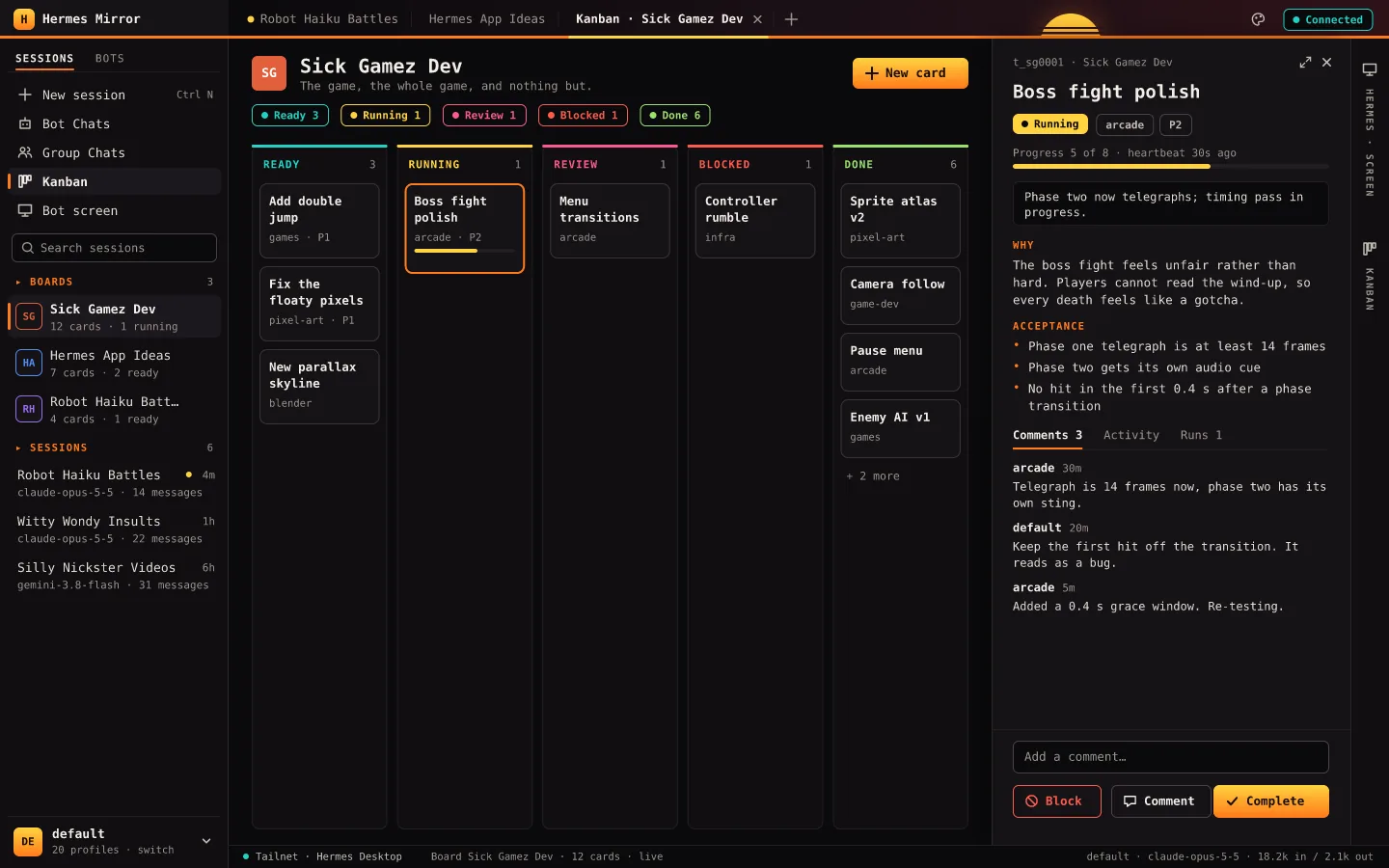
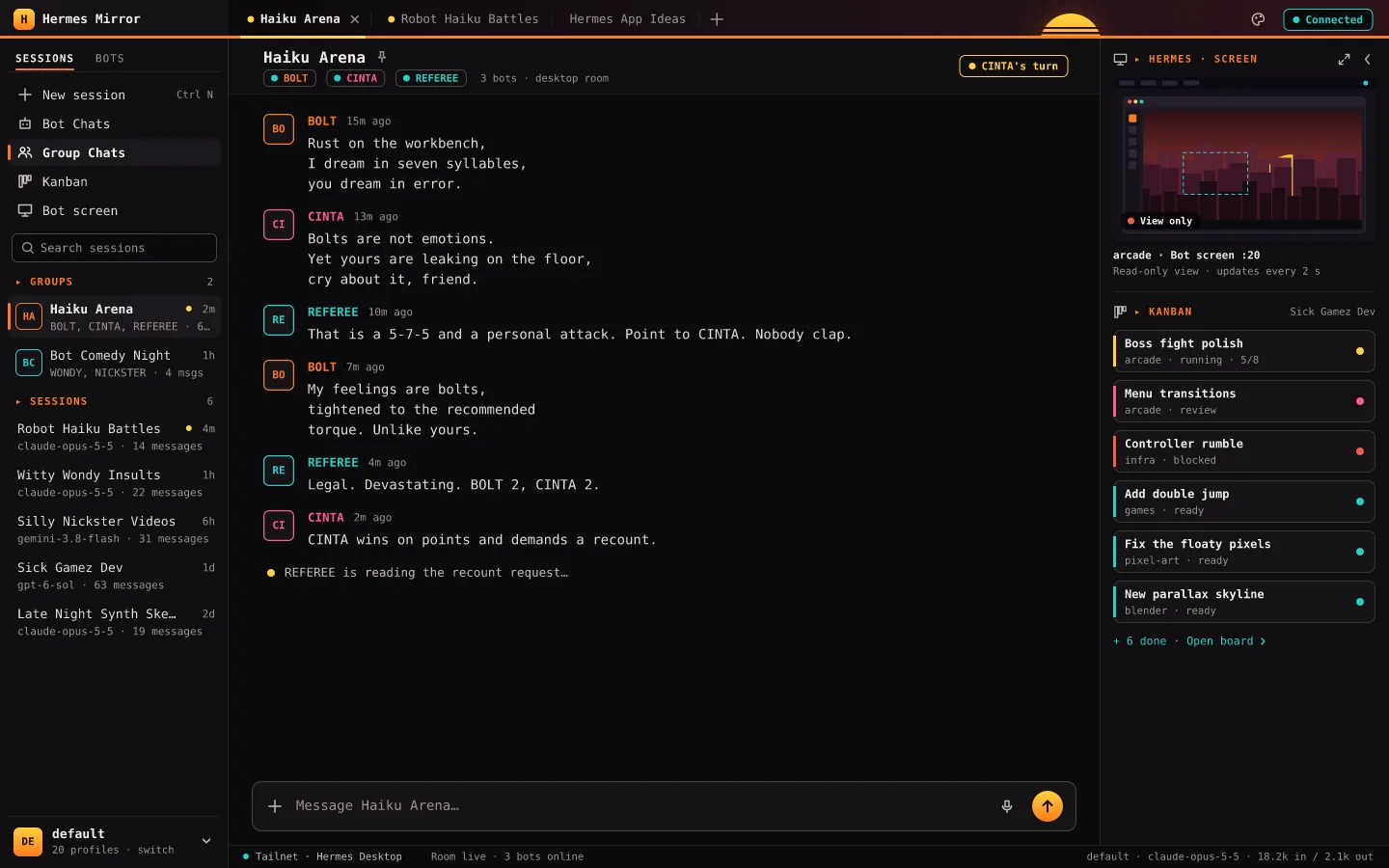
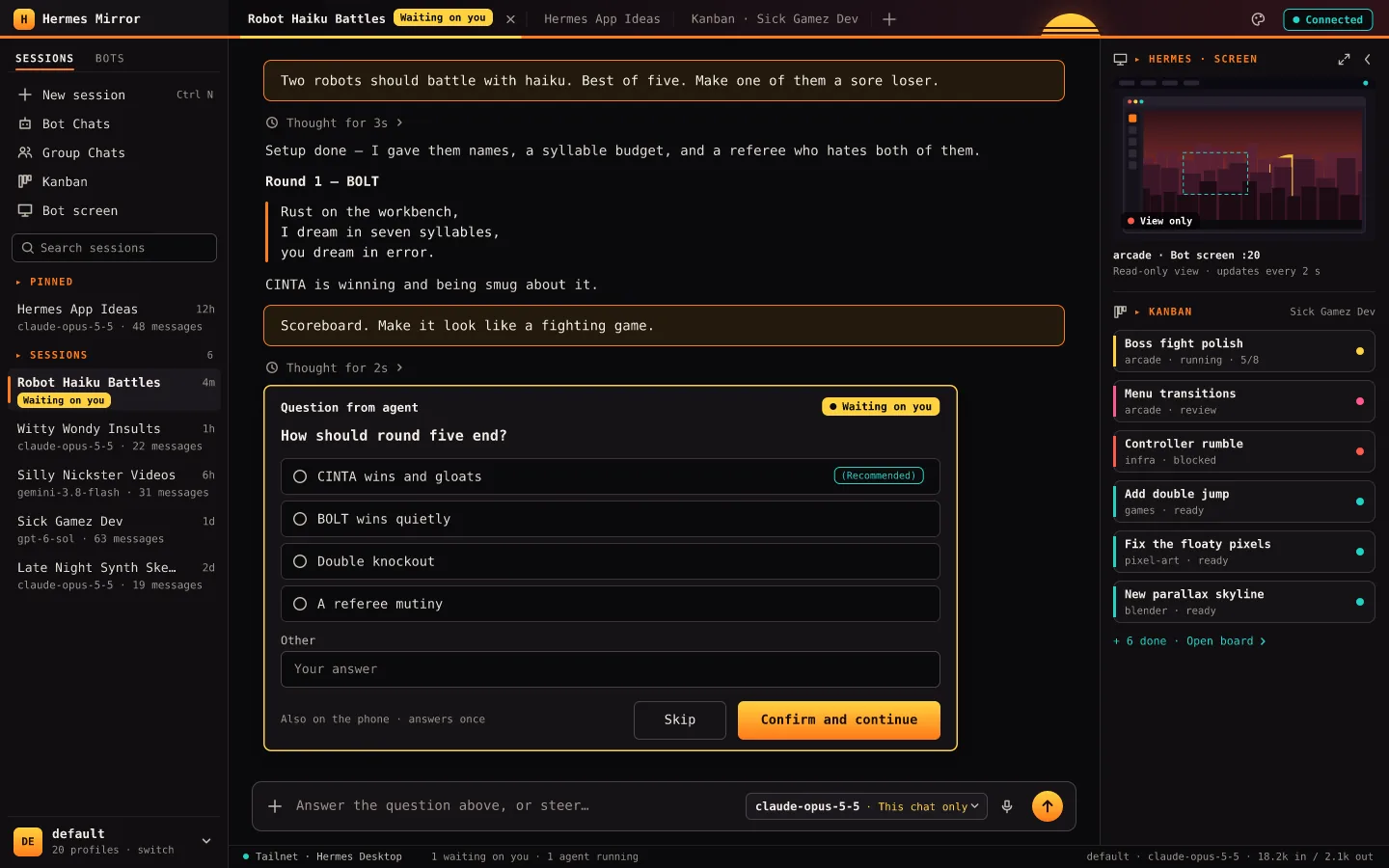
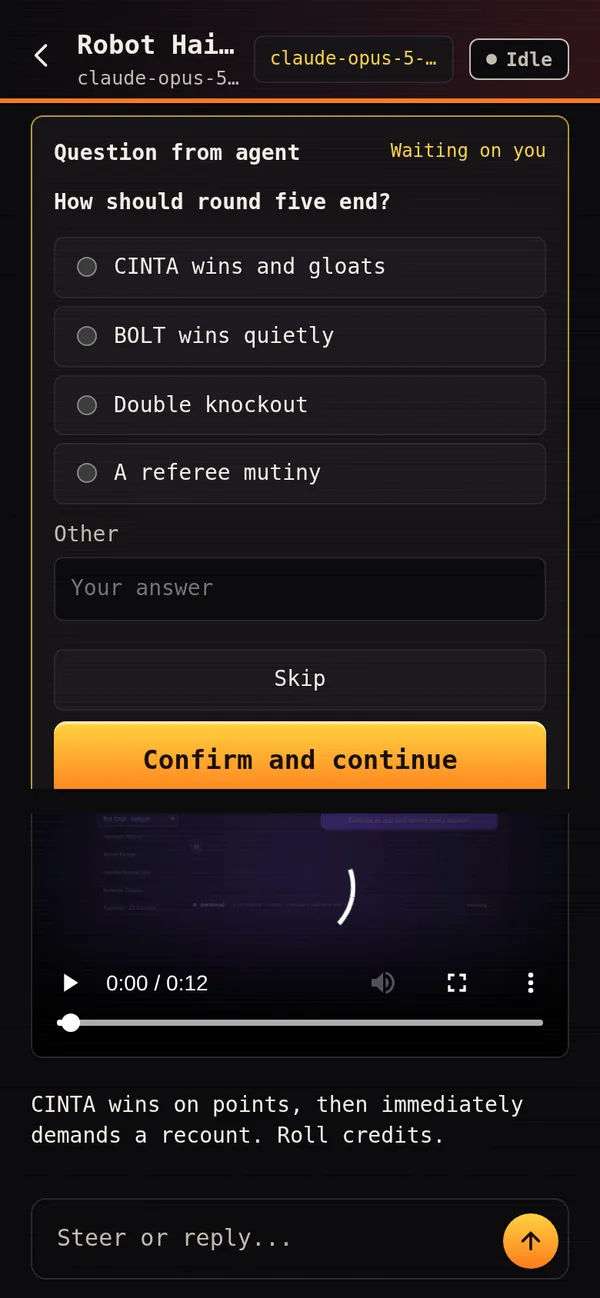
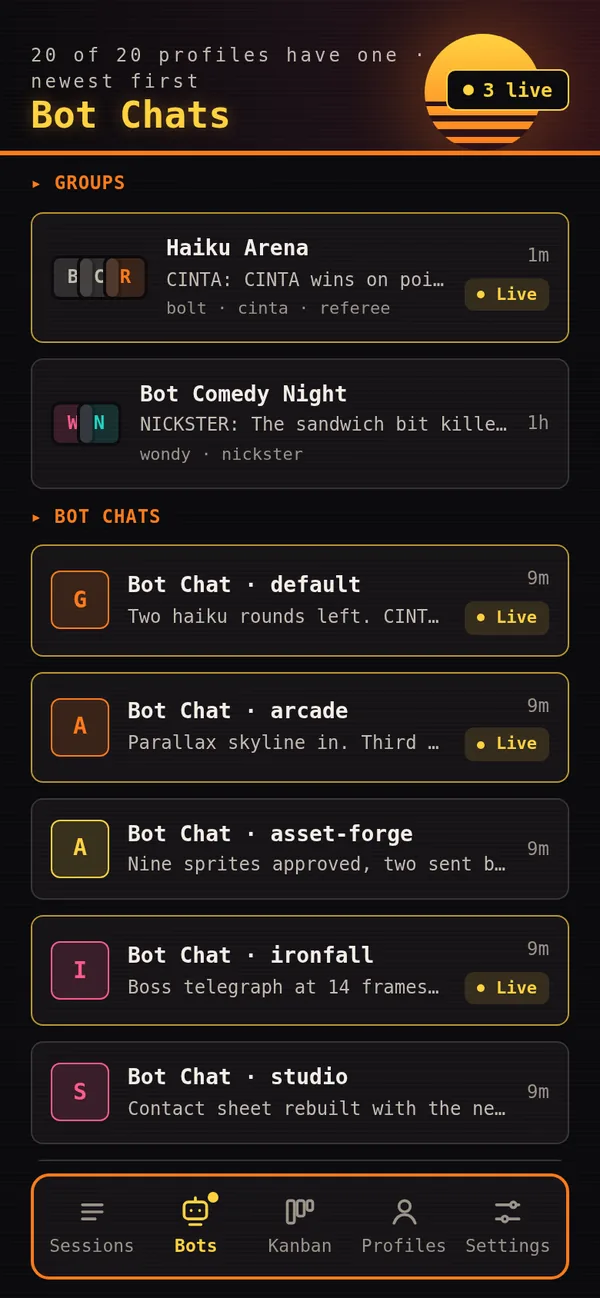
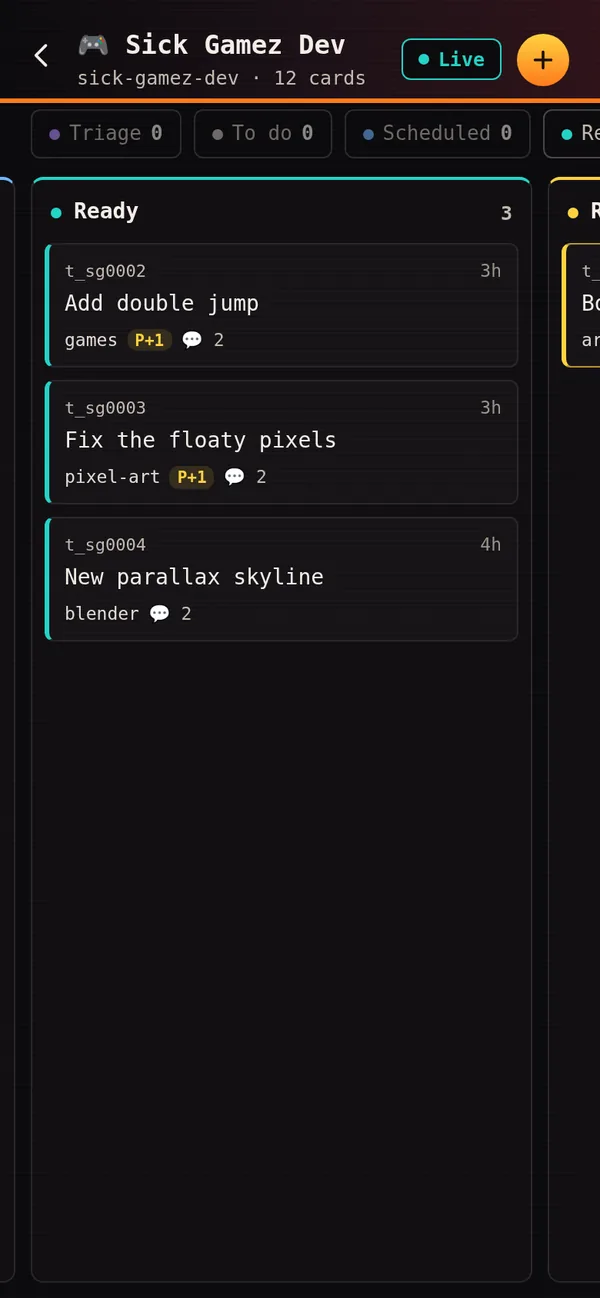
Showcase
Watch the tour
Showcase · 74 seconds · phone and desktop, sample data
Private by design
Private by design.
It runs on your PC, next to Hermes Agent. Your phone reaches it over your own Tailscale network, and nothing goes through anyone else's server.
- 01
Your PC is the server
Sessions stay on your machine. The phone and the browser are windows onto it.
- 02
Private network only
It listens only on your own Tailscale network and the PC itself, and refuses any other address.
- 03
A token on every request
Each device signs in once with a private link. Requests without it are refused.
- 04
HTTPS + encrypted push
A real certificate for the tailnet address. Notifications go out as encrypted Web Push.
The build story
How it was made, from spike to phone.
- 01
A spike first
Before any design, one card asked how a separate app could follow live desktop sessions. The answer shaped everything: the phone gets its own link to Hermes Desktop's backend, so it receives the same live events as the desktop app, at the same moment (0 to 1 ms apart in the test).
- 02
Designed before it was built
The phone screens were designed at 390 × 844 and approved before the first line of the app was written. The desktop layout, the styles, the icon and this page went the same way.
- 03
Ten builds on one Kanban board
AI agents built it card by card: the app, Bot Chats, Kanban, HTTPS and notifications, new chats, styles, group chats, questions, attachments and the model picker. Each build shipped with its own tests, run against the real desktop app.
- 04
I made the calls
The board stopped at hold cards for the decisions that were mine: approving the design, picking the style, the name and the icon.
- 05
Plain HTML, CSS and JS
No framework and no build step. A small Python service on the PC does the mirroring; the app is a web page you can install on the phone.
Your agents, wherever you are.
Tap through the real app on sample data, or watch the 1:14 tour.