Overview
Desktop app · Windows + Linux
Image Shrinker
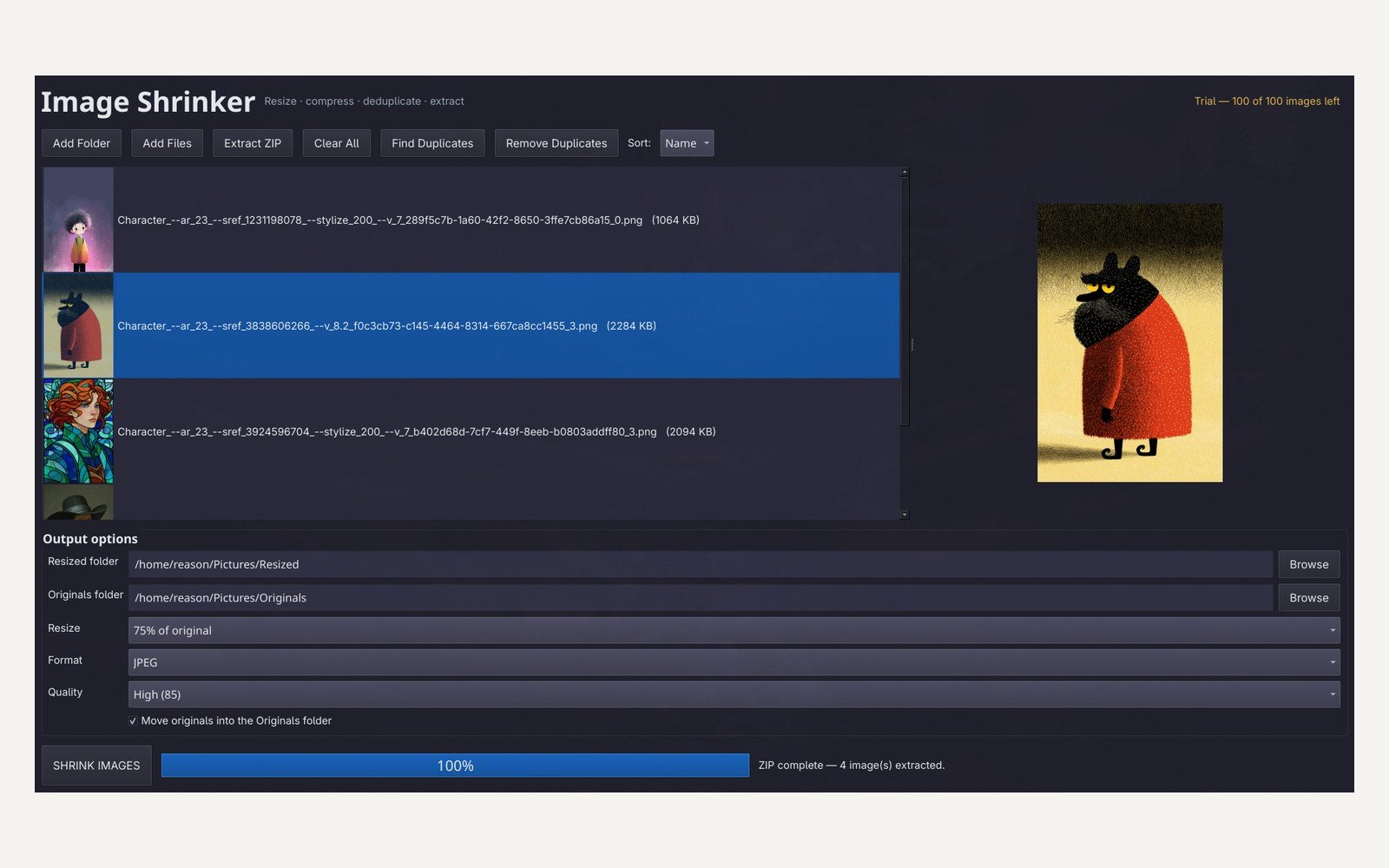
Shrink a whole folder of images in one pass: resize, re-encode to JPEG or WebP, pull images out of a ZIP, and move exact duplicates and originals aside so nothing is lost.
Built for the folder you have been avoiding — 300 screenshots, a camera card dump, or an AI batch that came back at 4K when you needed 1080p. It runs offline on your own machine and touches nothing you did not give it.
The problem
Most free options handle one image at a time. When the job is a folder of three hundred, the tool is the bottleneck: open, resize, save, repeat — then work out by hand which files were duplicates.
What it does
- Add a folder, a list of files, or drag them onto the window — nothing is scanned behind your back
- Pull every image out of a ZIP, flattened, with collision-safe names and non-images skipped
- Resize to 25, 50, 75 or 100 % with LANCZOS resampling; output JPEG or WebP with four quality presets
- Originals move into their own folder so nothing is destroyed, or stay put if you only want copies
- Exact duplicates found by SHA-256 and moved aside safely, never overwritten
- Live progress and a report at the end: “412 MB → 38 MB, 91 % smaller”
- Remembers the last folder, presets and window size between sessions
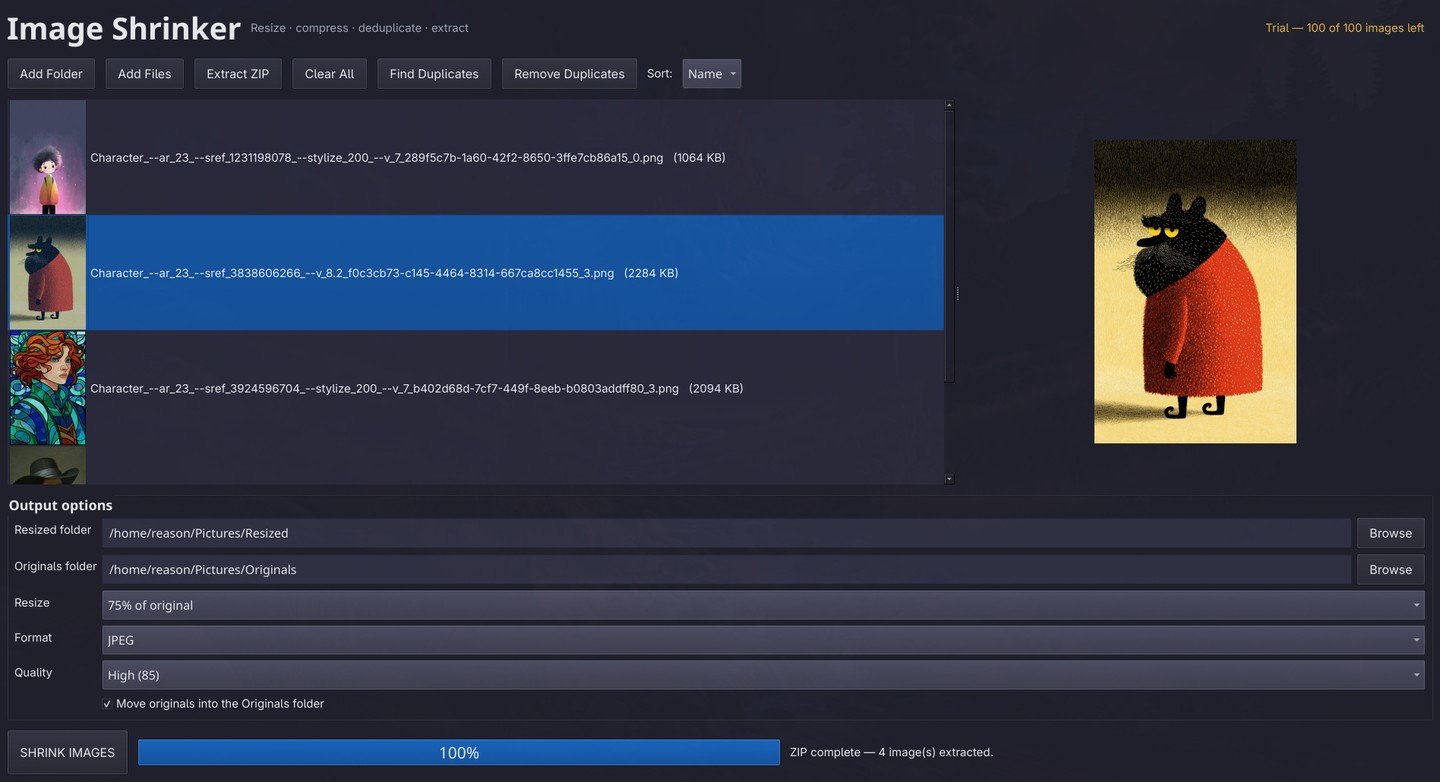
The window
How buying works
One purchase, one key, three activations — so your laptop and desktop are both covered. The trial caps at 100 images, with no timer and no watermark; a key lifts the cap for good.
- Pay once at checkout, and the license key arrives with your receipt
- Paste the key into the app’s license dialog; the status in the header turns from a trial count to “Licensed”
- Activation is stored on the machine, so the app keeps working offline; a lapsed connection never locks you out
- Lifetime for 1.x updates, including fixes
Get it
$12 · one-time
Requirements and fine print
Windows 10 or 11 on x64, or Linux on x64 (AppImage runs without installing). No internet connection is needed after activation. The app moves original files into an Originals folder as it works, so keep a backup of anything irreplaceable. macOS is not supported yet.