Part 01
Why I built my own asset studio
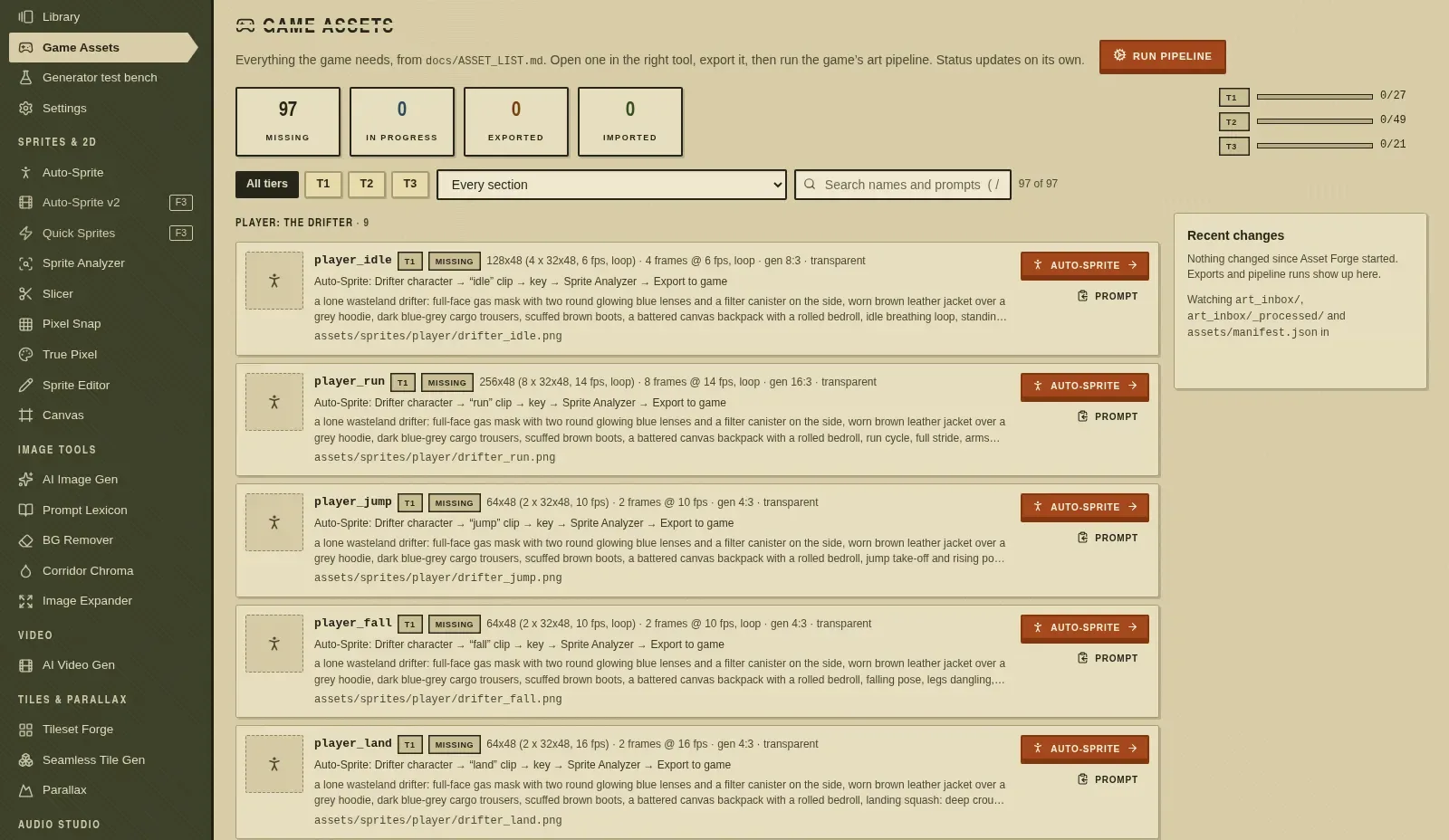
On 2 October I started a Godot game, wrote down the 97 pieces of art it needed, and paused it the same afternoon to build a tool for making them. Ten days and 66 versions later, the game is still paused.
Dev blog · Asset Forge
How I built a tool for making the art, sprites, tiles and sound for my game, written up one part at a time: what worked, what it cost and what broke.
Part 01
On 2 October I started a Godot game, wrote down the 97 pieces of art it needed, and paused it the same afternoon to build a tool for making them. Ten days and 66 versions later, the game is still paused.
Part 02
Before I wrote much code I read everything Sorceress publishes, mapped its logged-in tools without spending a credit, then ran capped paid tests. It took 1,046 credits, plus one API key I had to scrub from git history.
Part 03
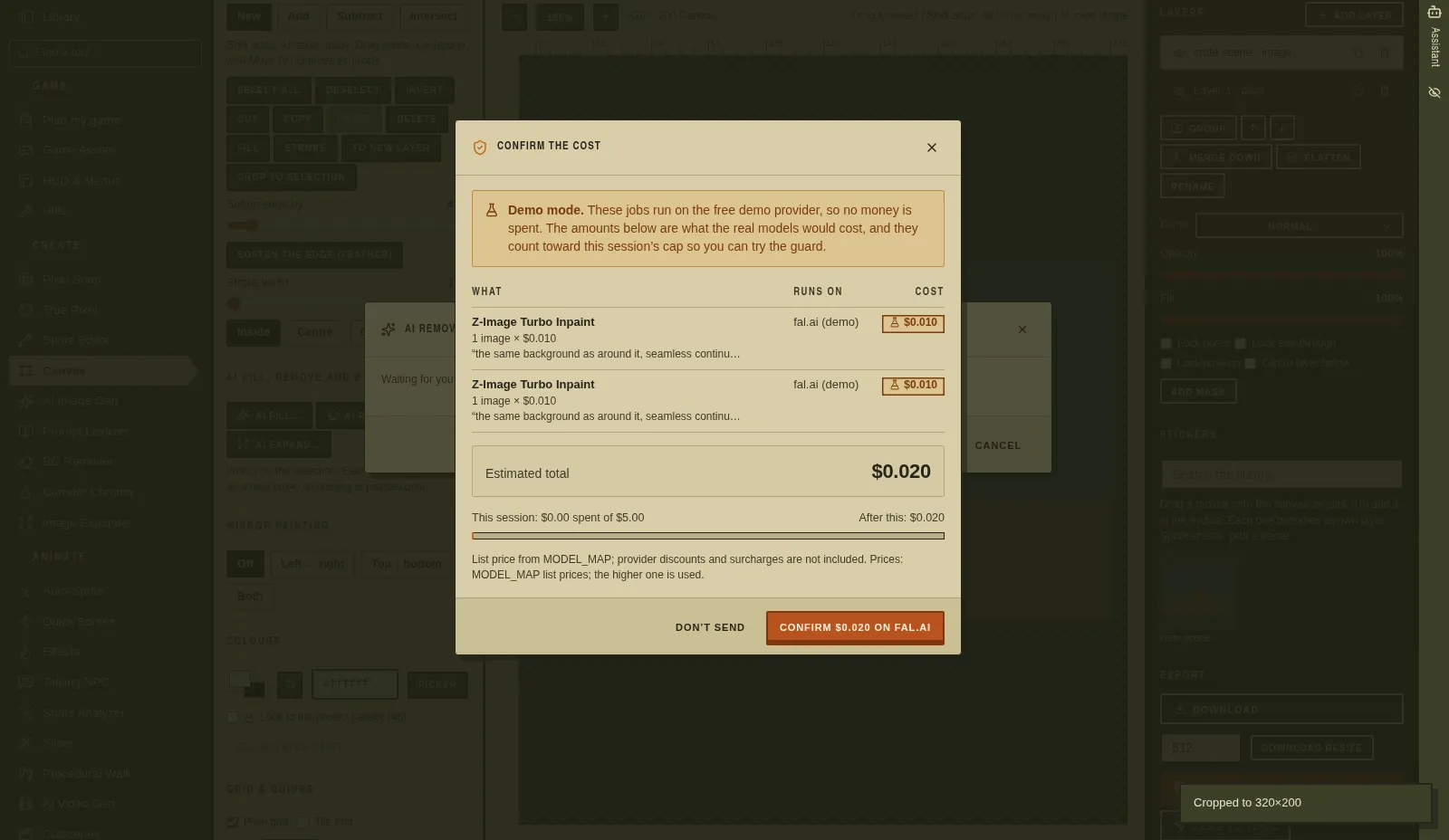
Nothing paid runs in Asset Forge without a price on the button and a yes from me. This is how that rule grew, from a $5 cap on day one to job-id spend tracking, and the two money cards still unfinished on 11 October.
Part 04
I write cards and Claude agents do the work, one card per run, each in its own git worktree, with a single merge script as the only way into main. Over 131 cards and 274 runs, more than half the cards needed a second run.
Part 05
Every merge ran every UI check, so a card that changed one screen still waited about an hour. Picking only the checks a change can affect fixed that for small cards. Most cards still touch shared files, and moving tests to my second PC freed a lock more than it saved time.